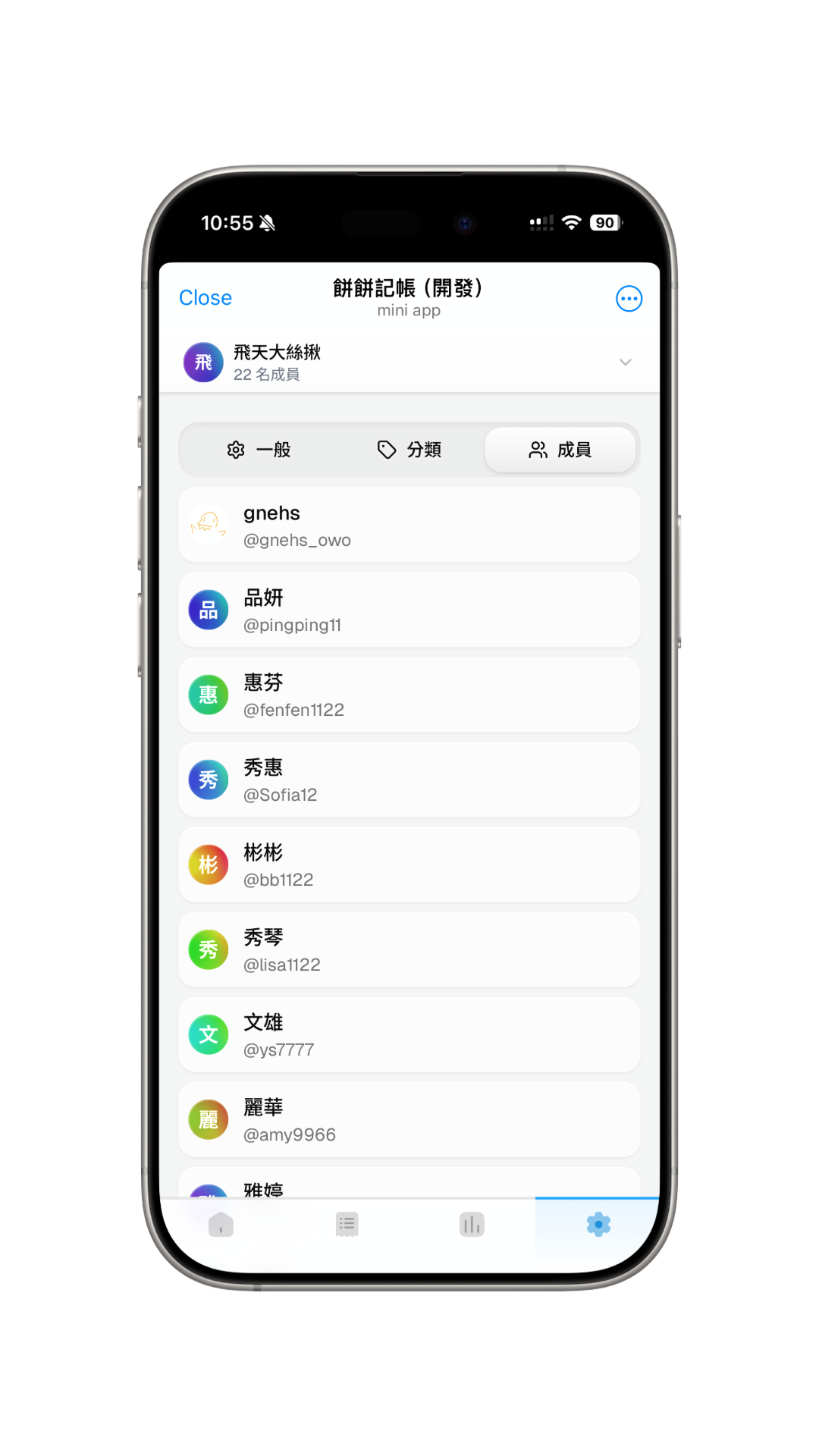
Settings
General
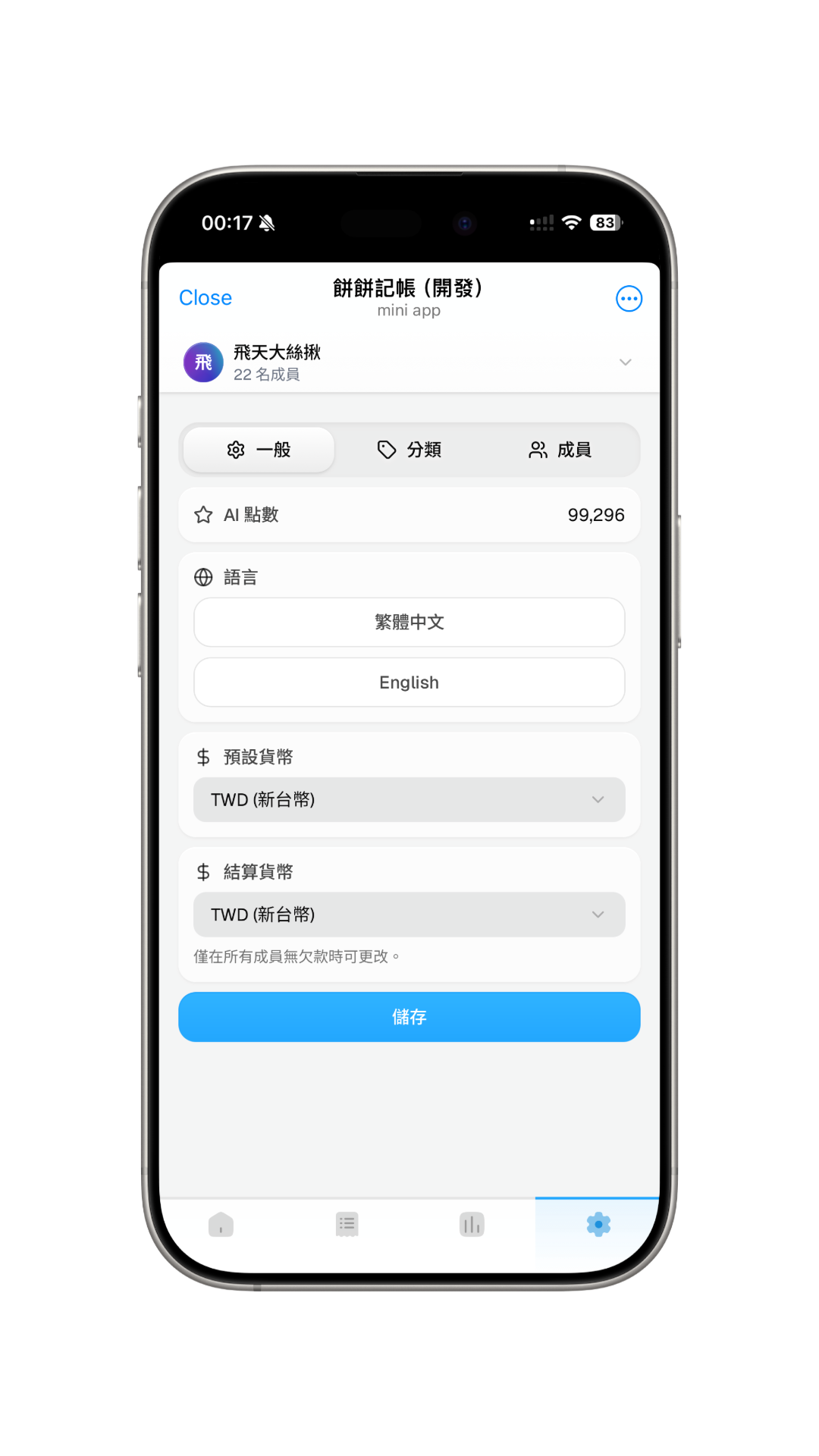
- AI Credits: View currently remaining AI usage credits.
- Language: Select interface language. Currently supports Traditional Chinese and English; system automatically switches based on device language.
- Default Currency: Sets the primary currency unit for system display and bookkeeping. Can be adjusted anytime, e.g., switching to local currency during travel.
- Settlement Currency:
- Sets the currency used for settlement; system automatically converts amounts based on exchange rates.
- Can be set to be the same as or different from the default currency.
- Can only be modified when all members have no outstanding balances.
Categories
Categories are used to classify items during bookkeeping. AI bookkeeping automatically selects appropriate categories based on content, and receipt recognition also automatically tags categories.
- You can add, modify, or delete categories yourself, and set icons and names for each.
- Default "General" and "Transfer" categories cannot be deleted.
- Current maximum limit is 16 categories.
- When deleting a category, system will transfer related records under that category to "General".
Edit and Delete: Swipe left on a category item, or right-click, to edit or delete the category.
Members
View group member information on this page.