
Records
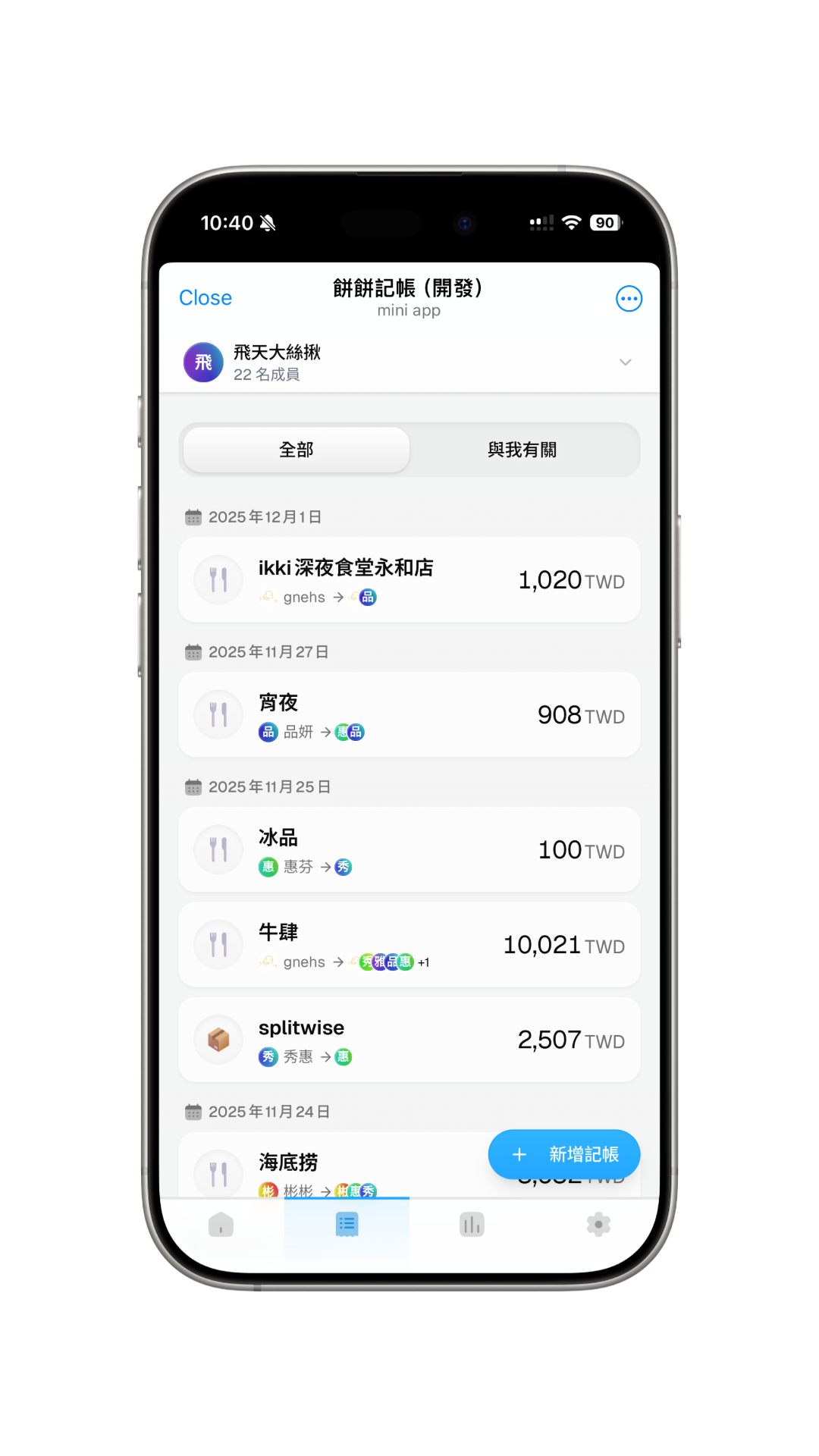
You can add, view, and manage all expense records within the group on the records page.
Add Record
Click the floating "Add Record" button in the bottom right corner to start adding an expense record.
View and Manage Records
On the records page, you can see a list of all expense records. Click on any record to view details, and perform edit or delete operations.
View My Records
You can use the tabs at the top to switch between viewing "All Records" or "My Records" to easily filter expense records related to you.